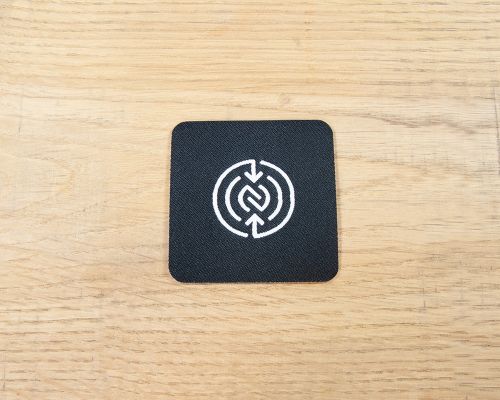
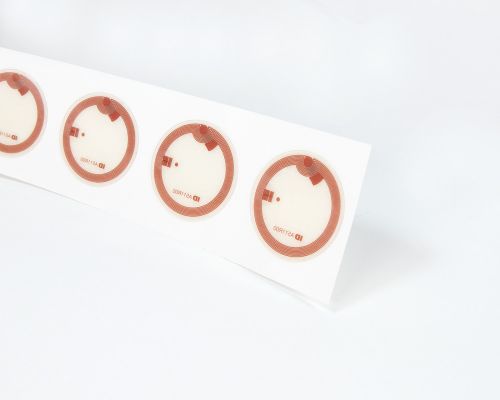
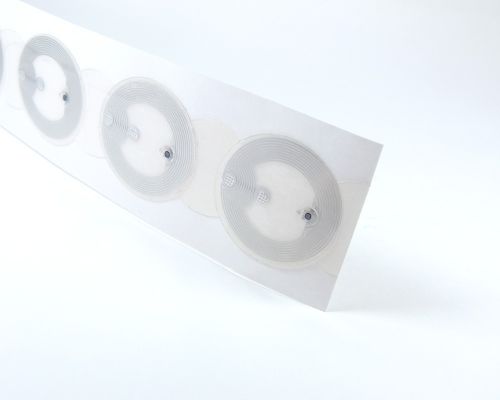
Image of NFC Iron-On Woven Patch
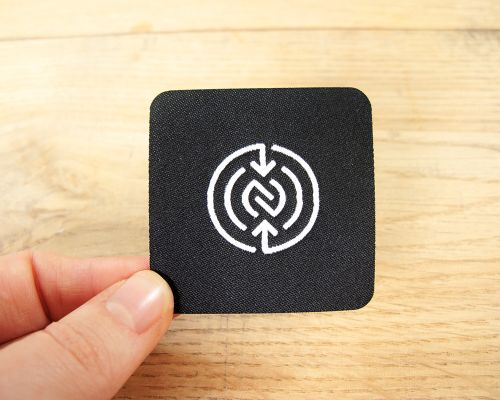
Close up image of an NFC Iron-On Woven Patch
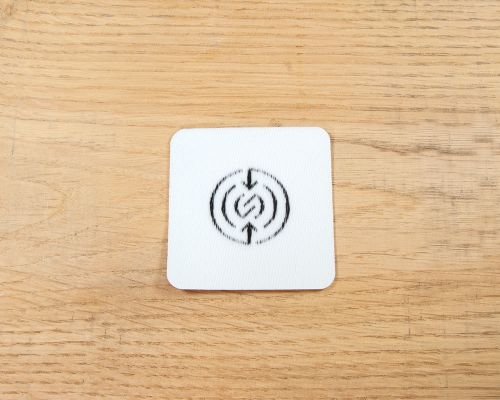
Detail of an NFC Iron-On Woven Patch
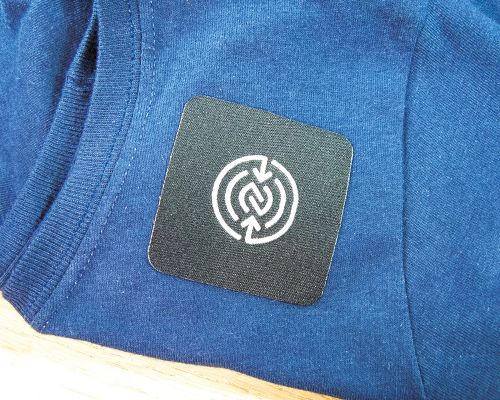
Side view of the NFC Iron-On Woven Patch
Works with:
Android
iPhone
  1. Store
  2. NFC Garment Tags
  3. Iron-On Woven Patch

Iron-On Woven Patch

  • Simple black NFC Forum logo design
  • Iron-on Woven Patch
  • For testing and proof of concept
This is a simple square 50mm x 50mm iron-on woven patch with a heat sealed edge. Designed and supplied for testing, development and proof of concept projects. Use with any of our garment spec labels such as the 29mm NTAG213 garment tag or 25mm NTAG424 garment tag. Apply the NFC tag to the back and then iron the patch directly onto clothing.

This item does not contain an NFC tag !

Seritag do not currently supply custom woven patches but have experience and knowledge of what patches might work for your project. We can provide advice to which NFC tags to use with various patches and what you should look for when ordering woven/printed iron-on or sew-on patches from suppliers.

Using the Sample Iron-on Garment Patch

The iron-on sample patch is designed to help you test and develop. The patch does not contain an NFC tag. This is how you use it : 

  1. Apply a Garment Spec tag to the centre of the back of the iron-on patch
  2. Place the iron-on patch onto your garment
  3. Using a iron set at 'cotton' gently press the iron-on patch to the garment just until the patch holds
  4. Turn the garment inside out and now iron with some pressure from the back to the patch for 10-15 seconds 

This should fix the iron-on patch in place. 

Note that iron-on garment patches (and irons, clothing, etc) vary. We recommend testing first at low heat for short periods particularly on non-cotton fabrics. 

This patch is for testing and development purposes only. We don't recommend using this patch in a final product !

Ixkio NFC Tag Management

What is tag management ?

NFC tag management allows you to dynamically control the destination URL of your NFC tags. It provides tracking and stats, authentication services for anti-counterfiet tags, and a host of features to assist in getting the right tags in the right locations or products. Ixkio even allows you to encode your own NTAG213, iCODE or NTAG424 tags with our mobile App. 

Using ixkio

Ixkio is designed as an engine for your NFC tags and works alongside your existing ecommerce or marketing website. You don't need to spend time and money to recreate your branding or content. Ixkio can be used as an API system for authentication or more commonly a redirect system - managing dynamic links. Of course, you can attach your own domain so the tags are encoded with your brand. 

Tags can be encoded by us at supply (free of charge for labels) or you can encode your own tags - including NTAG424 - usng our mobile app or your own mehtods. You can then manage and alter the tag destination using rules and dynamic data features to display pages from your exiting website. 

Ixkio provides additional powerful tools to protect your landing page when using authentication tags and can even pass tag related information from ixkio - such as serial numbers or prodict information - to be dynamically displayed on your page. We have even built a Shopify App to make integration easier for Shopify users. 

Getting started

Ixkio subscriptions can be purchased online at ixkio.com or contact us for more information. 

Pricing

Seritag Product Code : ST956
Current Stock : 0 (need more?)We can typically supply additional stock of this product within 6 weeks. However, we very strongly advise you to contact us for exact production schedules for non-stock items before ordering.

Note: We are currently out of stock on this product. Please contact us regarding restock dates. Our apologies.

Price per Patch : $2.32  (price excludes VAT)Show prices with VAT

Sorry, this product cannot currently be purchased online.

Please contact us for availability.

Total Cost :
$-

(excludes VAT)

 
This product is not currently available for purchase online

Product Data

Size 50mm x 50mm
Adhesive Iron-on
Delivery Format Single Units
Seritag
Contact
©Copyright 2025 Seritag.
Seritag is a trading name of TabDesk Ltd, a UK Registered company 10474154. VAT Registration Number GB256328005.
Seritag
$
×

Ordering Tags with Custom Print

Seritag have worked on thousands of custom print NFC projects. We will always provide recommendations and advice if we think your tags won't look great !

Creating artwork

We prefer high resolution images or vector format artwork. To help you get started, you can download our artwork guide. If you don't have access to artwork software, many of our users just use canva. And we are always here to help !

Providing artwork

You can upload artwork files here with your order, or place your order now and contact us to send files or for advice.

Production process

Once we have your artwork, we check it over and provide you on email with a pdf 'proof'. This is a visual of exactly what we will print. You can then confirm and we go to production.

×

UID Scan Explained

What is a UID ?

Every genuine NFC chip (we only sell genuine chips) contains a fixed 'serial number' in it's memory. This is unique and defined by the chip manufacturer which, in most cases, is NXP. It's called the Unique ID or UID and on genuine chips, it can't be changed.

What is a UID Scan ?

Some software, typically asset management applications, uses this unique UID to identify the tag. In these cases, we can provide the list of the supplied tag UIDs as a spreadsheet so you know what they are. This is a UID scan.

Do you need a UID scan ?

Unless you are using this type of software and it specifically needs it - no.

How can you find/read the UID of a tag ?

You can't see the UID just by scanning/reading a tag. You need to use an app. To see your tag's UID, download our Seritag NFC Encoder app and use the read function.

×

ID Print Explained

What is an ID Print ?

It's where we visually print a unique ID, number, QR code and/or text onto each custom printed NFC tag.

The purpose of ID Print

If you have uniquely encoded NFC tags then a visual ID or matching QR code can be printed to align with the encoding. This can help identification and deployment.

Ordering colour printed tags with ID/QR code print

If you are ordering with custom full colour artwork, then add the first ID and/or QR code onto the artwork. We then dynamically swap this out when printing. Upload your ID print/QR sequence with your encoding data. See our ID Print guide for details on creating the spreadsheet.

Ordering ID Express white labels with simple black ID/QR code print

In most cases, you don't need to provide a layout. Just upload your encoding data (see our ID Print guide). We will send a pdf proof on the layout so you can check.

Multiple ID/QR code printing

You can have one or two unique IDs, a QR code or a mix. If you have more complex requirements with a larger number of unique elements, contact us first.

×

Encoding

Encoding is the action of writing data onto the NFC tag, for example a URL/weblink or some text.

Option 1 : Encode yourself

It's easy to encode small quantities of NFC tags yourself. Download the Seritag NFC Encoder app, enter a URL and hold over the tag. Note: you can't encode authentication grade NTAG424 chips with normal mobile apps.

Option 2 : Seritag encoding

We have developed and built some of the most advanced encoding machines in the industry. For larger orders or where you prefer to leave encoding to us, choose Seritag encoding. You can upload/enter encoding data with your order, or send it through to us later with your order reference.

Single or Variable encoding

Single encoding is where every tag is encoded with the same data. Variable encoding is where we encode different data onto each tag, for example a sequence or unique codes. We can also encode in batches - where a set number of tags are encoded with each data, etc. See our in-depth guide to ordering NFC tags with encoding.

Locked, Unlocked or Password Protected ?

For standard chips (NTAG213, 215, ICODE), if we lock your tags, then nobody (even us) can change the data. If the tags are unlocked then anyone with a phone can change the data (and then lock them). In some cases, we also offer password protection where the data is locked - and can be changed - with a password.

In short: if you are using the tags personally or within your company, you might choose to leave unlocked. If they in public - lock them !

Encode for Ixkio

If you are using our ixkio tag management platform, then we can encode both standard (NTAG213, 215, ICODE) tags and authentication (NTAG424) tags direct to the platform.